Spreadsheet Documentation Methods That Improve Team Collaboration

A spreadsheet often begins as one person’s solution to a specific problem. It might track sales, organise project deadlines, monitor inventory, or calculate monthly expenses. Because the original creator understands every formula and every worksheet, documenting the file rarely feels urgent. The logic exists in their head, and daily updates become second nature. The situation … Read more

Make Excel and Google Sheets Easier to Read Without Overformatting

A spreadsheet can be technically correct and still be difficult to read. When every heading has a different color, every section has thick borders, and important numbers are surrounded by several shades of highlighting, the information can become harder to find rather than easier. The same problem occurs when people add excessive font changes, decorative … Read more

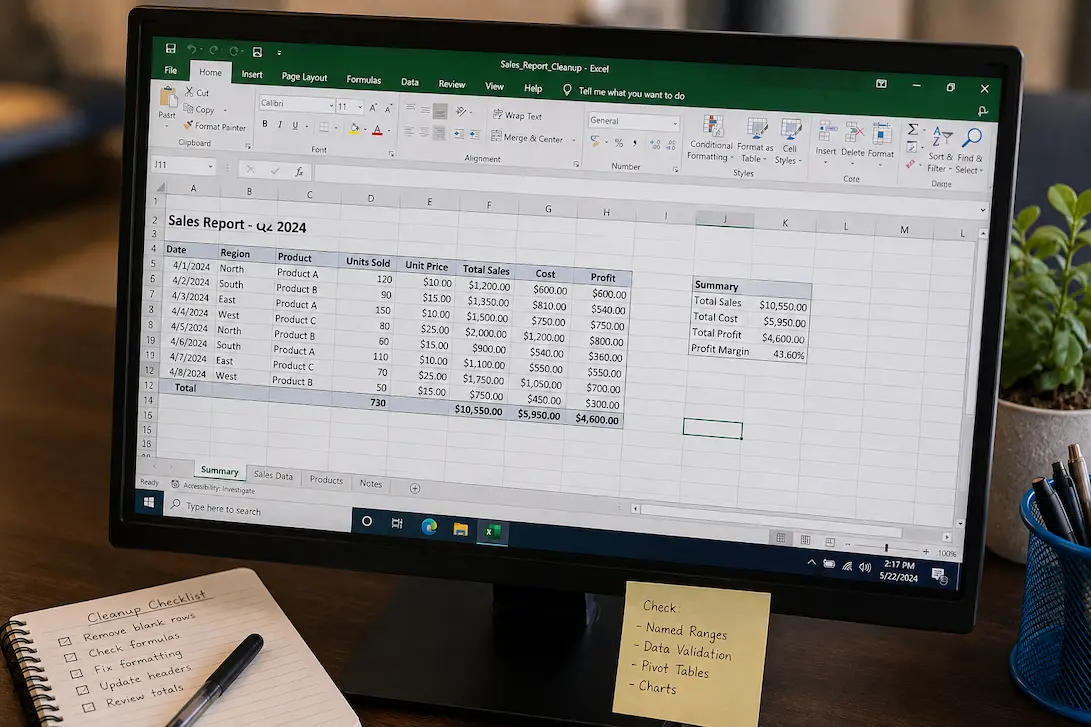
Clean Up an Excel Worksheet Without Breaking Existing Formulas

An Excel worksheet can become difficult to work with long before anything is technically broken. Extra formatting, unnecessary blank rows, inconsistent headings, duplicated information, old records, and scattered calculations can gradually turn a useful workbook into something that feels harder to maintain every time it is opened. The difficult part is that not everything that … Read more

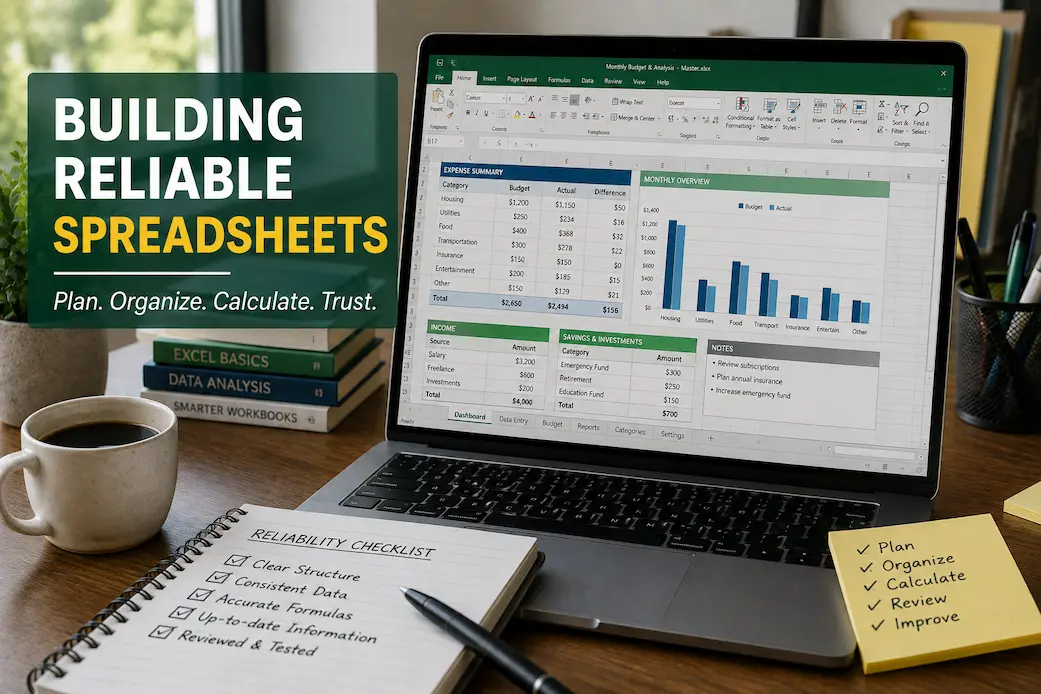
Spreadsheet Reliability Checks: A Practical Guide to Keeping Workbooks Accurate

A spreadsheet can work perfectly when it is first created and still become unreliable months later. A few new rows may be added, formulas copied into new sections, worksheets renamed, assumptions changed, or information imported from another source. None of these changes necessarily causes an immediate problem. The difficulty is that small changes can gradually … Read more

How to Design Spreadsheets That Stay Organized as Your Data Grows

A spreadsheet with 50 rows can feel effortless to use. You know where the information is stored, which formulas matter, and where to look when something needs to be changed. The same workbook can feel very different after several thousand rows have been added. As data grows, scrolling becomes slower, formulas become harder to review, … Read more

How to Audit Spreadsheet Quality Before Important Decisions

Spreadsheets often serve as the basis for making important decisions. Project teams use data collected over several months to adjust deadlines; business owners place large orders based on sales figures; management approves budgets after estimating projected expenses. In these examples, spreadsheets do more than just record data; they influence decisions that can impact funding, timelines, … Read more

Collaborate in Google Sheets Without Editing Conflicts: Complete Beginner Guide

Working on spreadsheets with other people can save time, improve accuracy, and make teamwork easier. However, many users experience problems when several people edit the same Google Sheet at once. When several people edit the same Google Sheet at once, they may accidentally replace important information, change formulas, and become confused about who updated specific … Read more