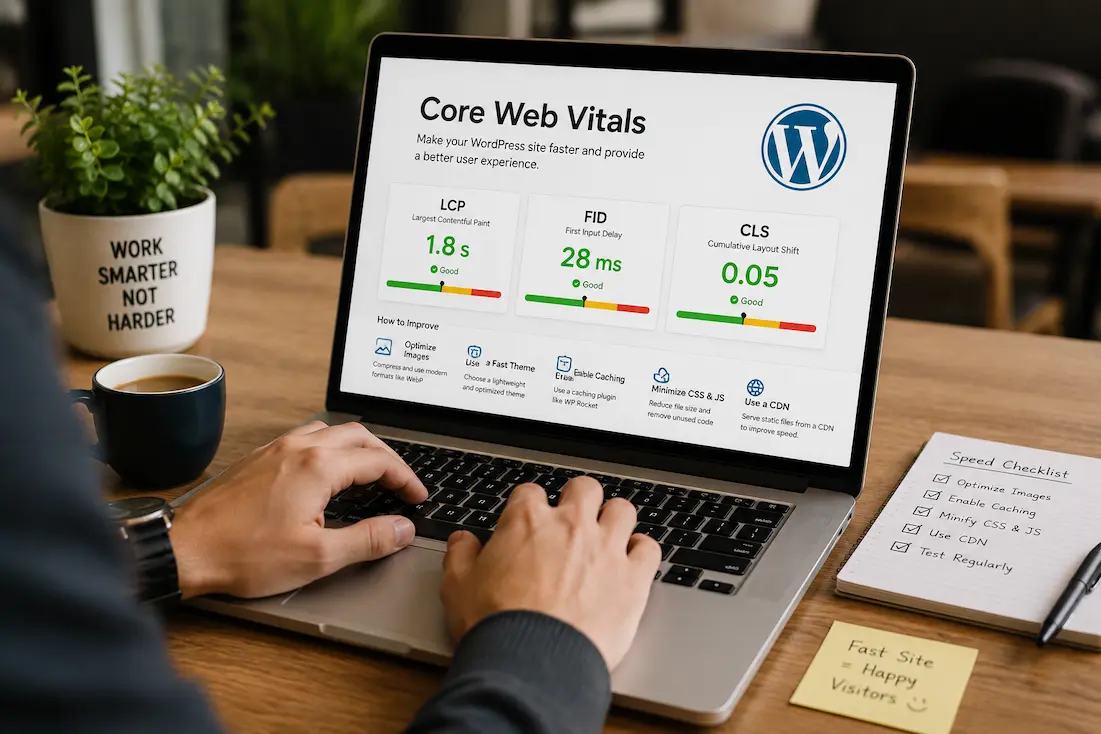
If you’ve spent any time reading about WordPress performance, you’ve almost certainly come across the term Core Web Vitals. They’re often presented as the secret to ranking higher in search results or making a website load instantly. That has led many website owners to chase perfect scores in performance testing tools without fully understanding what …
Few WordPress errors are as confusing as the 500 Internal Server Error. Unlike a login error that tells you your password is incorrect or a missing page that returns a 404 message, a 500 error provides almost no useful information. It simply tells you that something went wrong on the server, without explaining what or …
Switching a WordPress website from HTTP to HTTPS is one of the most important improvements you can make for security. An SSL certificate encrypts the connection between your website and its visitors, helps build trust, and is now considered a standard requirement for modern websites. After enabling HTTPS, you expect everything to work exactly as …
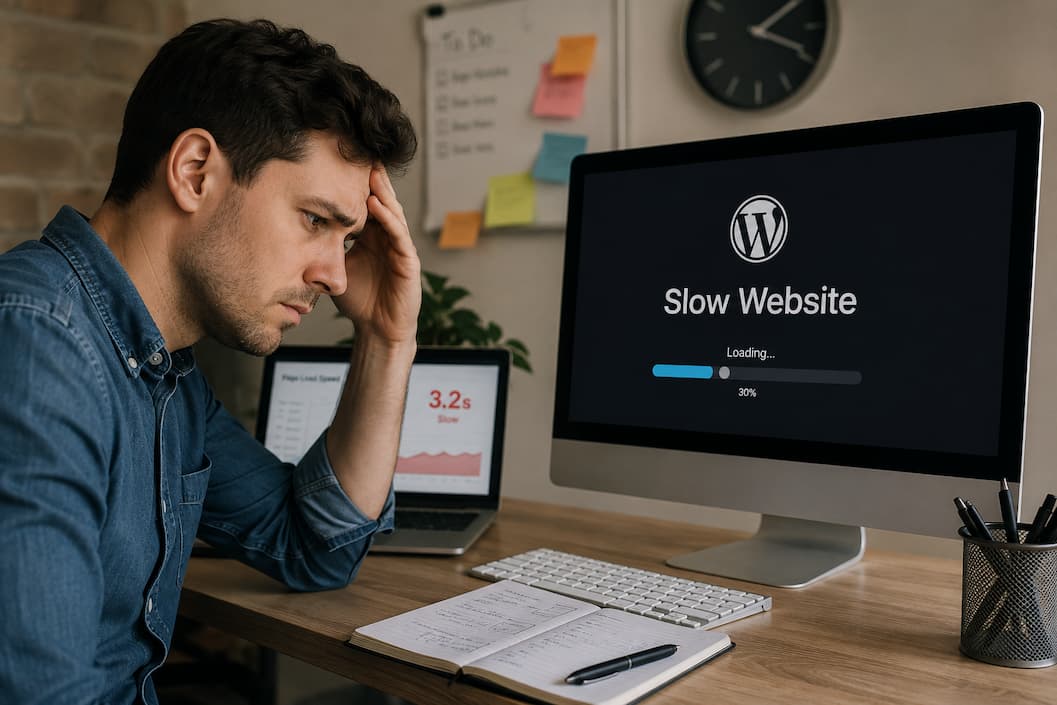
A WordPress website rarely becomes slow overnight without a reason. One day pages load almost instantly, and the next day visitors are waiting several seconds before they can read a blog post or open a product page. Sometimes the slowdown is obvious after installing a new plugin or updating WordPress. Other times, performance gradually declines …
You finish updating a plugin, theme, or WordPress itself; refresh your website; and instead of seeing your homepage, you’re met with a message that says: Briefly unavailable for scheduled maintenance. Check back in a minute. Normally, this message disappears within a few seconds. WordPress enters maintenance mode while updates are being installed and then automatically …
You open your WordPress website expecting to update a page or publish a new post, but instead you’re greeted by a completely blank screen. No error message. No dashboard. Sometimes the entire website disappears, while other times only the admin area goes white. This problem is known as the WordPress White Screen of Death (WSOD). …
A WordPress login page that simply refreshes instead of logging you in is one of the most frustrating problems website owners encounter. You enter the correct username and password, click Log In, and instead of reaching the WordPress dashboard, you’re taken right back to the login screen with no error message. This issue, commonly called …