Windows Settings Worth Checking After a Major System Update

A major Windows update can leave the computer looking almost exactly as it did before while quietly changing how certain parts of the system behave. Privacy choices may be presented again, default applications can change, power behavior may feel different, and some settings can return to Microsoft’s recommended defaults. Drivers and hardware-related options may also … Read more

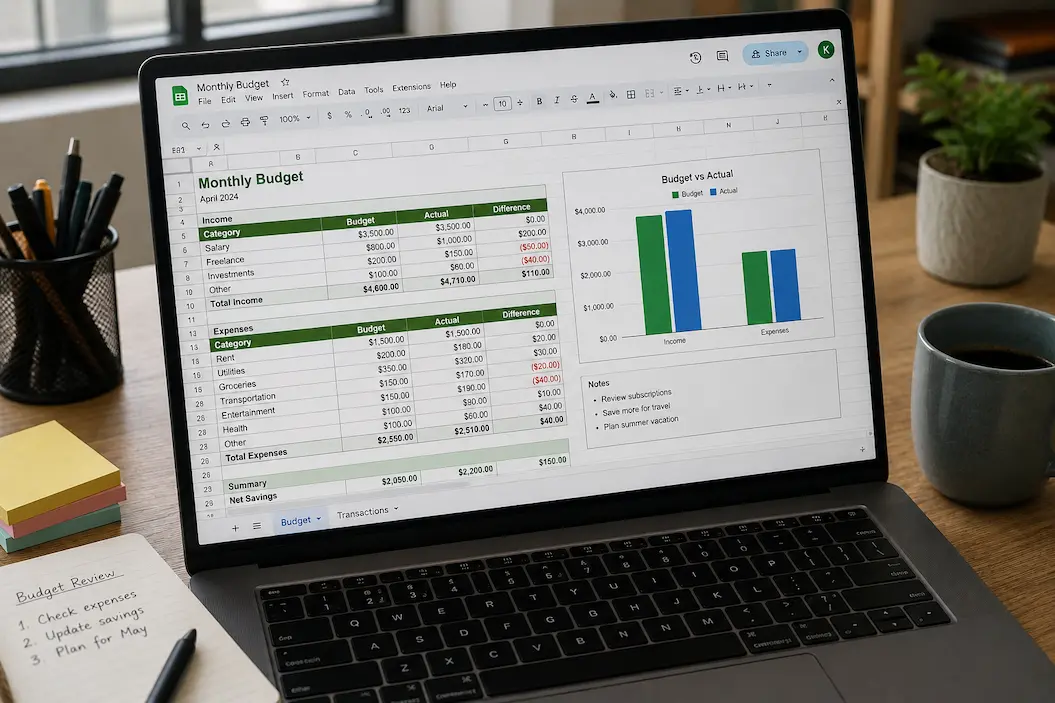
Make Excel and Google Sheets Easier to Read Without Overformatting

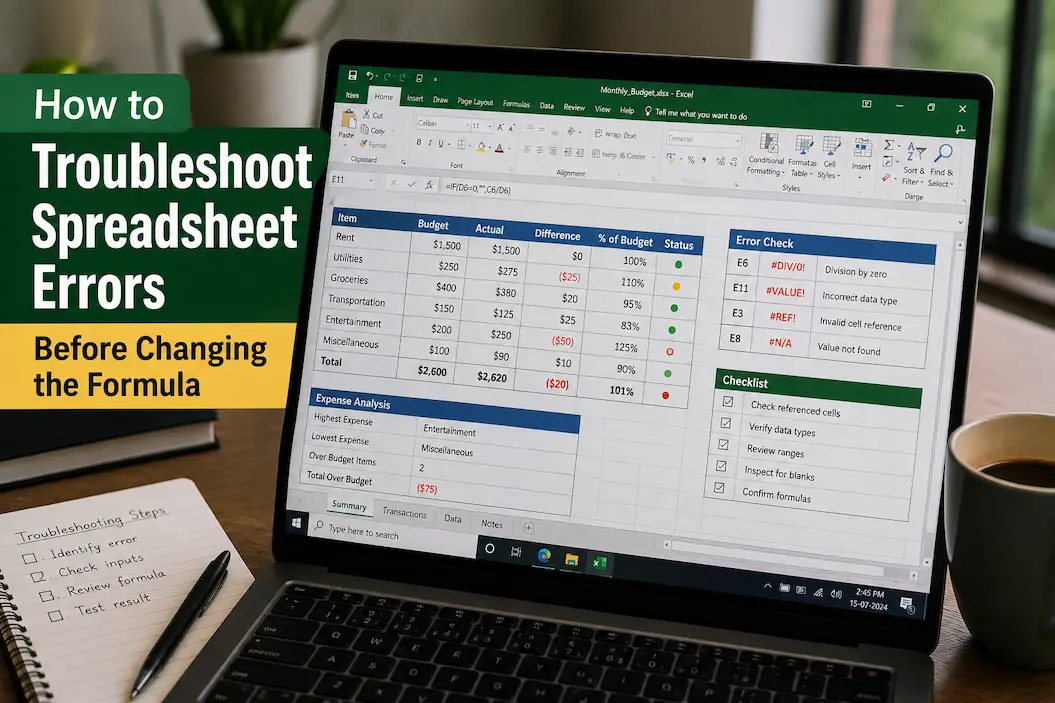
A spreadsheet can be technically correct and still be difficult to read. When every heading has a different color, every section has thick borders, and important numbers are surrounded by several shades of highlighting, the information can become harder to find rather than easier. The same problem occurs when people add excessive font changes, decorative … Read more

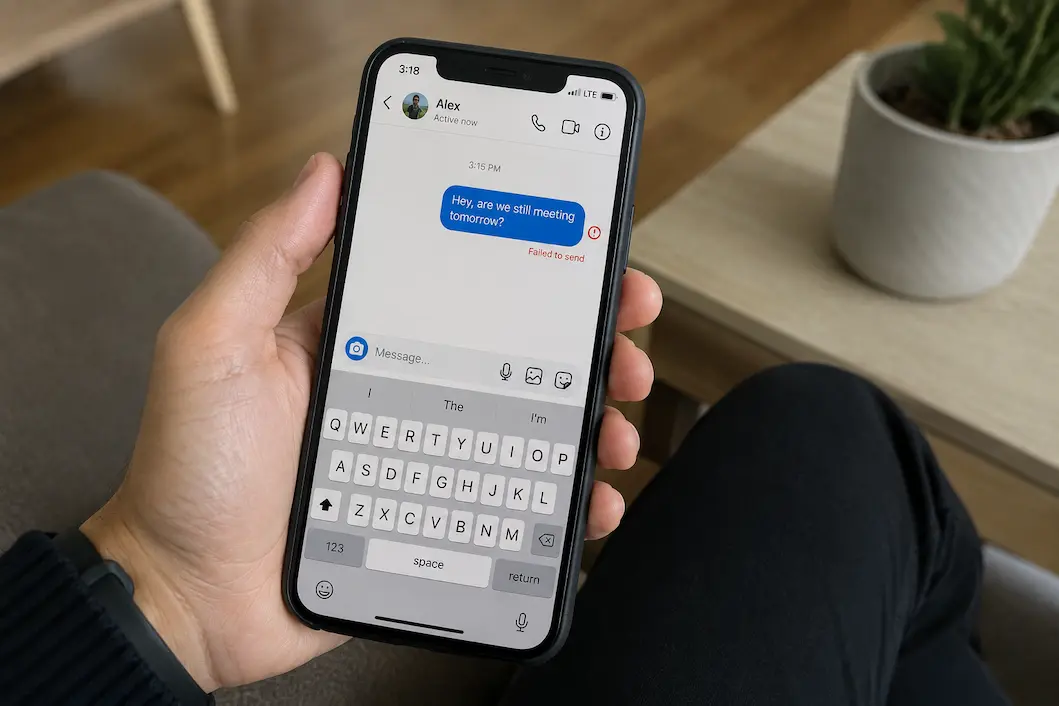
What to Check When Social Media Messages Are Not Sending

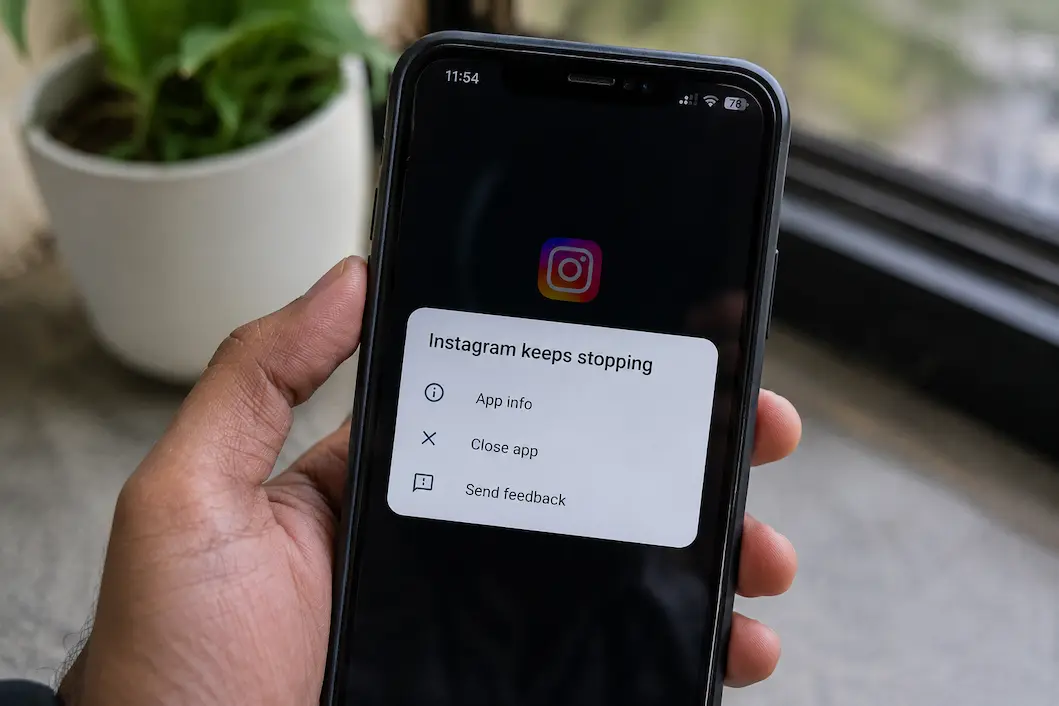
A message that refuses to send can be surprisingly difficult to diagnose because the failure may happen for several different reasons. Occasionally the phone has a weak connection, but in other cases the problem is limited to the app, a particular conversation, the recipient’s account, or the platform itself. You might see a spinning indicator, … Read more

How to Tell Whether a Slow Computer Needs Maintenance or an Upgrade

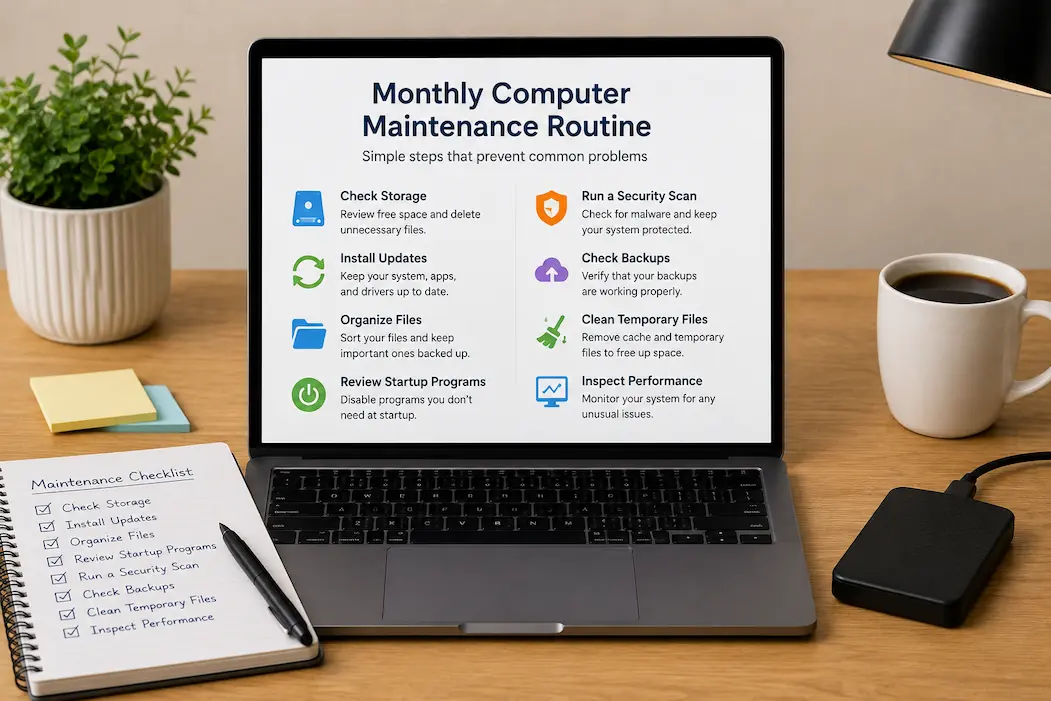
A computer that has become noticeably slower is not automatically one that needs replacing. The same symptoms can come from very different causes: a crowded startup routine, a nearly full drive, excessive browser activity, an aging storage device, insufficient memory, overheating, or hardware that simply cannot keep up with the software you now use. Treating … Read more

Free Up Space Used by Social Media Apps Without Losing Important Data

Social media apps can quietly become some of the largest users of storage on a phone. A single application may accumulate cached images, temporary video files, downloaded media, message attachments, browsing data, drafts, and other local information over months of normal use. The app itself might have been small when you installed it, yet its … Read more

How to Manage Windows Storage When Your Drive Starts Running Low

A Windows computer rarely gives you much warning before a full drive starts causing trouble. One day there may be plenty of free space, and a few large downloads, application updates, temporary files, or videos later, the system drive can suddenly become difficult to manage. Windows may display a low-storage warning, updates may refuse to … Read more