How to Tell Whether a Slow Computer Needs Maintenance or an Upgrade
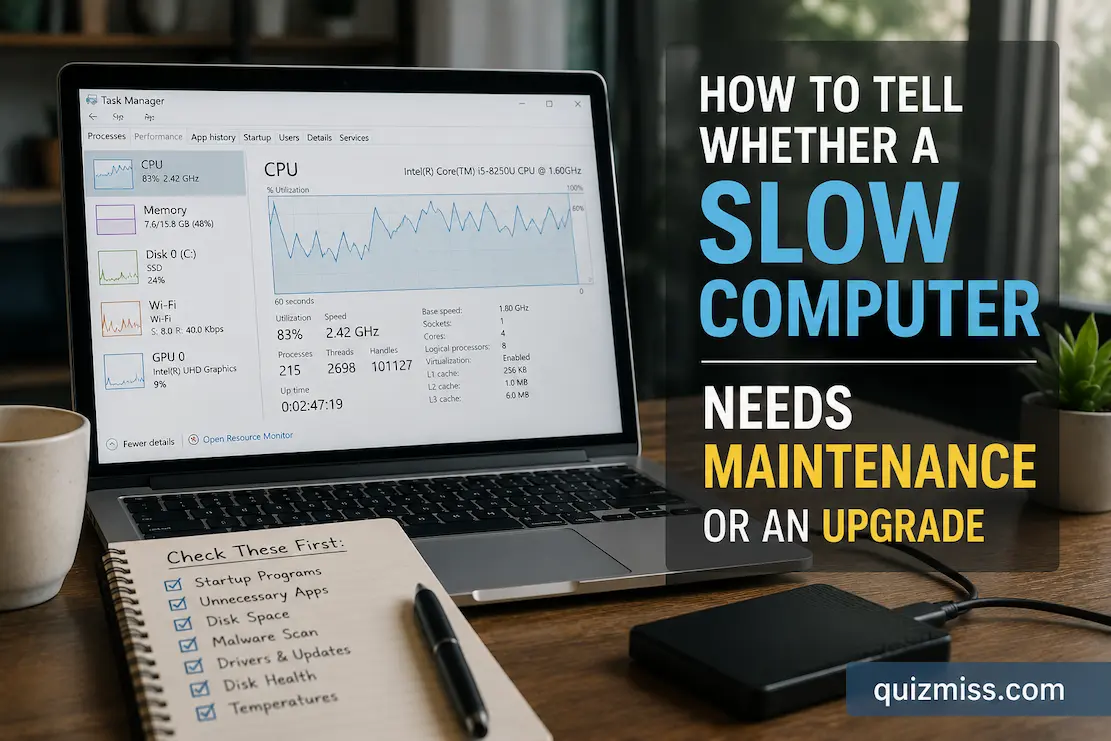
A computer that has become noticeably slower is not automatically one that needs replacing. The same symptoms can come from very different causes: a crowded startup routine, a nearly full drive, excessive browser activity, an aging storage device, insufficient memory, overheating, or hardware that simply cannot keep up with the software you now use. Treating … Read more
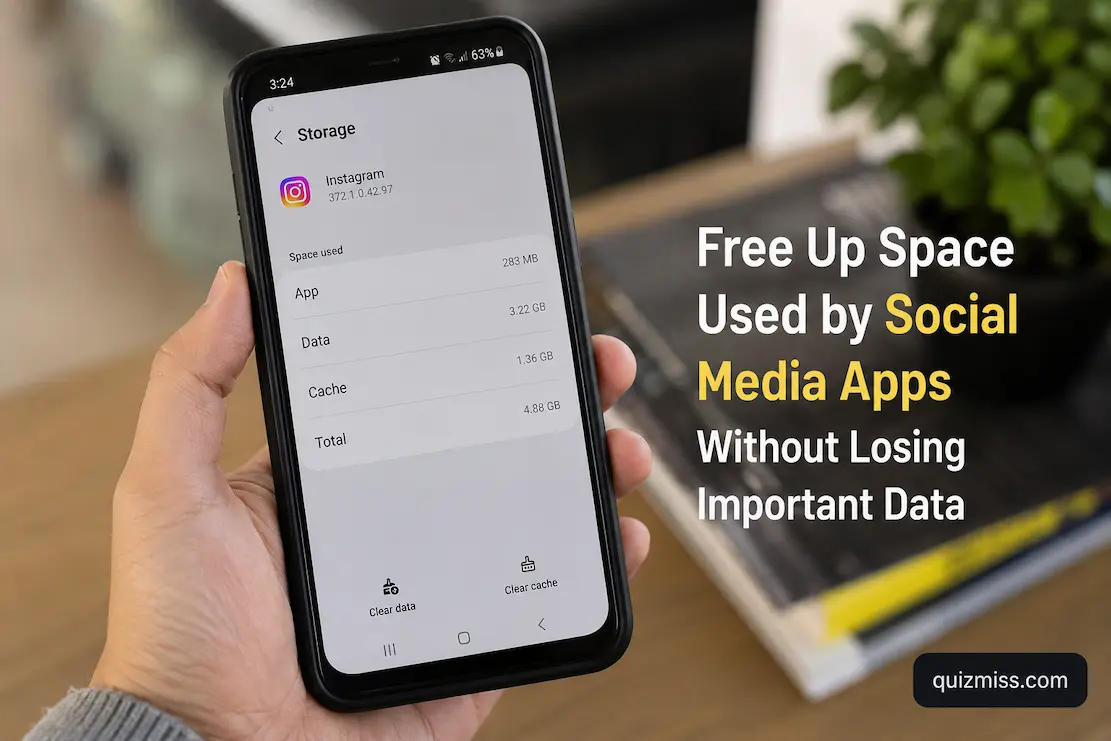
Free Up Space Used by Social Media Apps Without Losing Important Data

Social media apps can quietly become some of the largest users of storage on a phone. A single application may accumulate cached images, temporary video files, downloaded media, message attachments, browsing data, drafts, and other local information over months of normal use. The app itself might have been small when you installed it, yet its … Read more

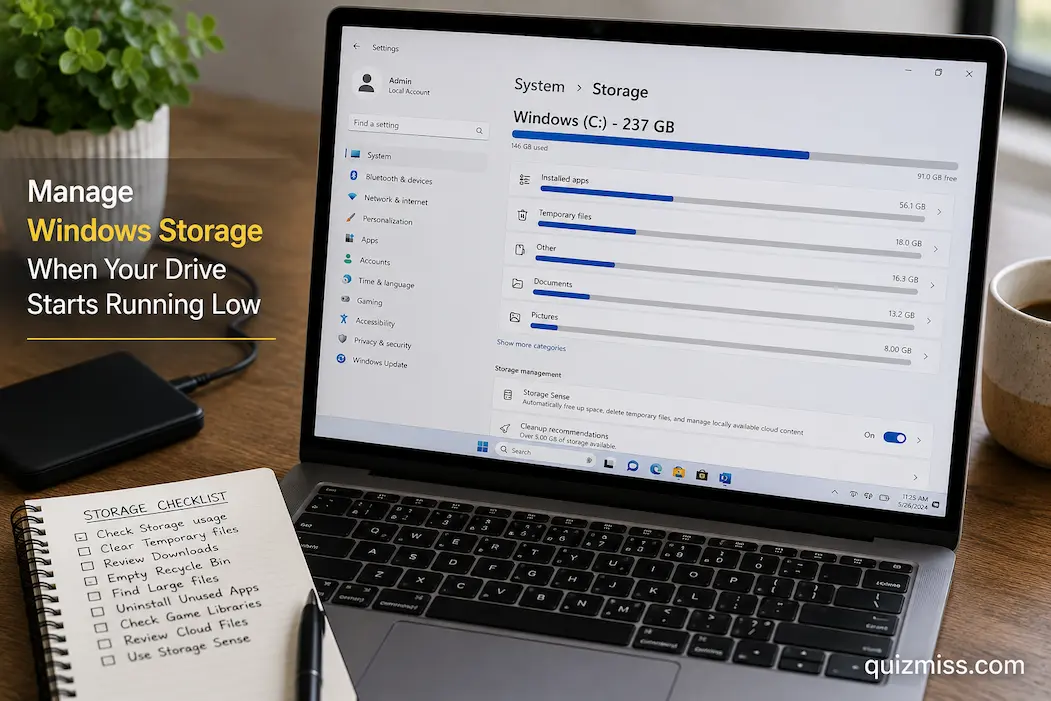
How to Manage Windows Storage When Your Drive Starts Running Low

A Windows computer rarely gives you much warning before a full drive starts causing trouble. One day there may be plenty of free space, and a few large downloads, application updates, temporary files, or videos later, the system drive can suddenly become difficult to manage. Windows may display a low-storage warning, updates may refuse to … Read more

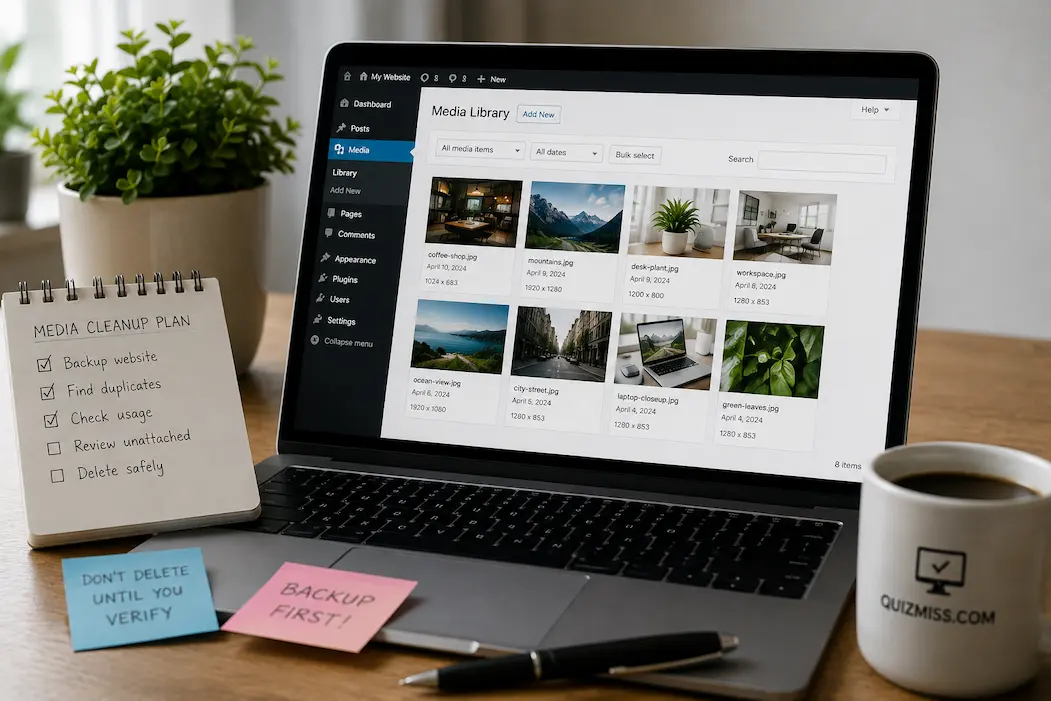
Clean Up a WordPress Media Library Without Breaking Your Website

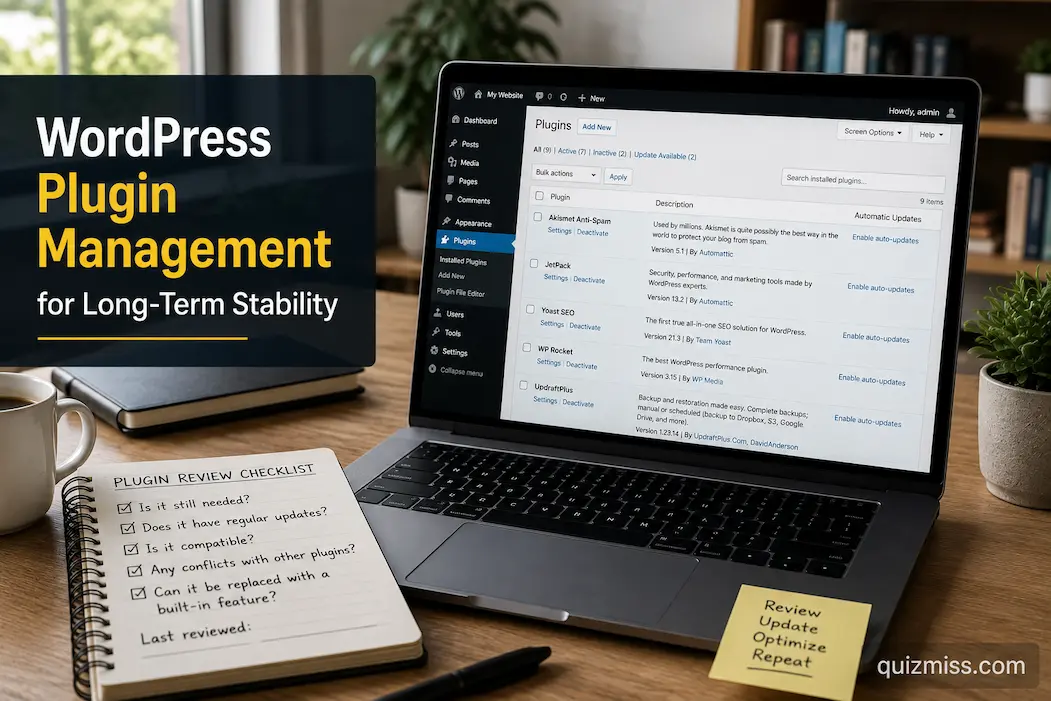
A WordPress Media Library can become surprisingly difficult to manage once a website has been running for a while. Images get uploaded for old posts, revised versions remain on the server, unused files accumulate, and filenames become harder to recognize. The Media Library may eventually contain thousands of items, even though the site uses only … Read more

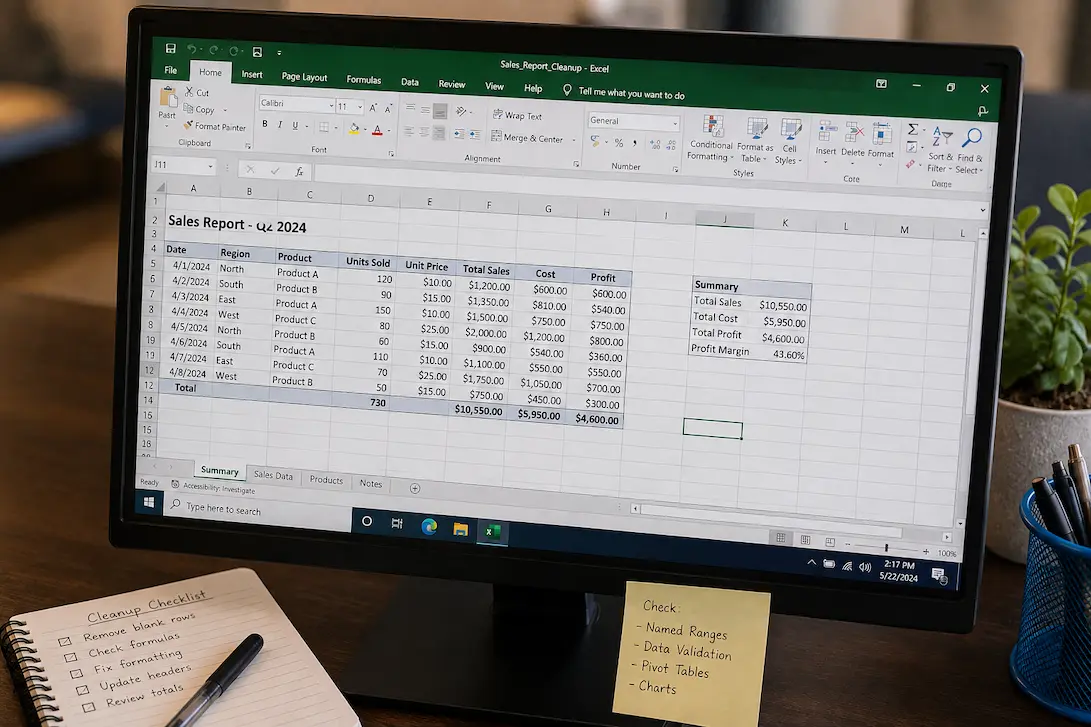
Clean Up an Excel Worksheet Without Breaking Existing Formulas

An Excel worksheet can become difficult to work with long before anything is technically broken. Extra formatting, unnecessary blank rows, inconsistent headings, duplicated information, old records, and scattered calculations can gradually turn a useful workbook into something that feels harder to maintain every time it is opened. The difficult part is that not everything that … Read more

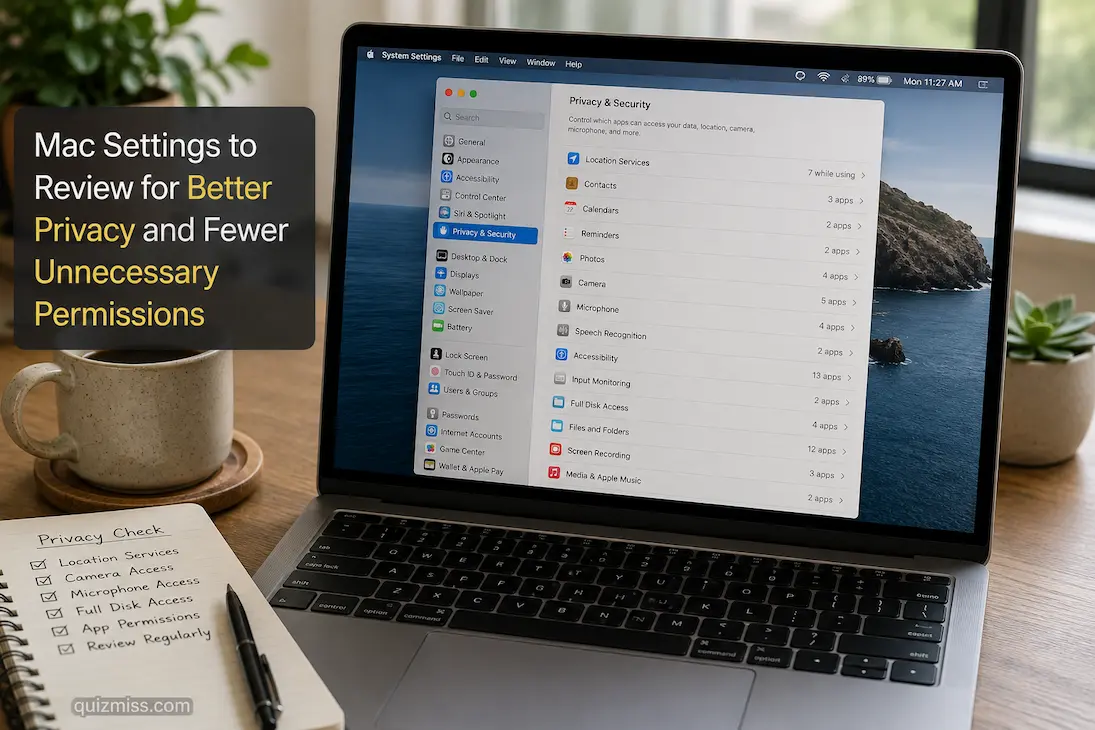
Mac Settings to Review for Better Privacy and Fewer Unnecessary Permissions

A Mac can ask for access to your camera, microphone, files, contacts, location, photos, and other information without making it obvious how often those permissions accumulate. An application you installed for a one-time task may still have access months later, while another program may request permissions that aren’t necessary for the way you use it. … Read more

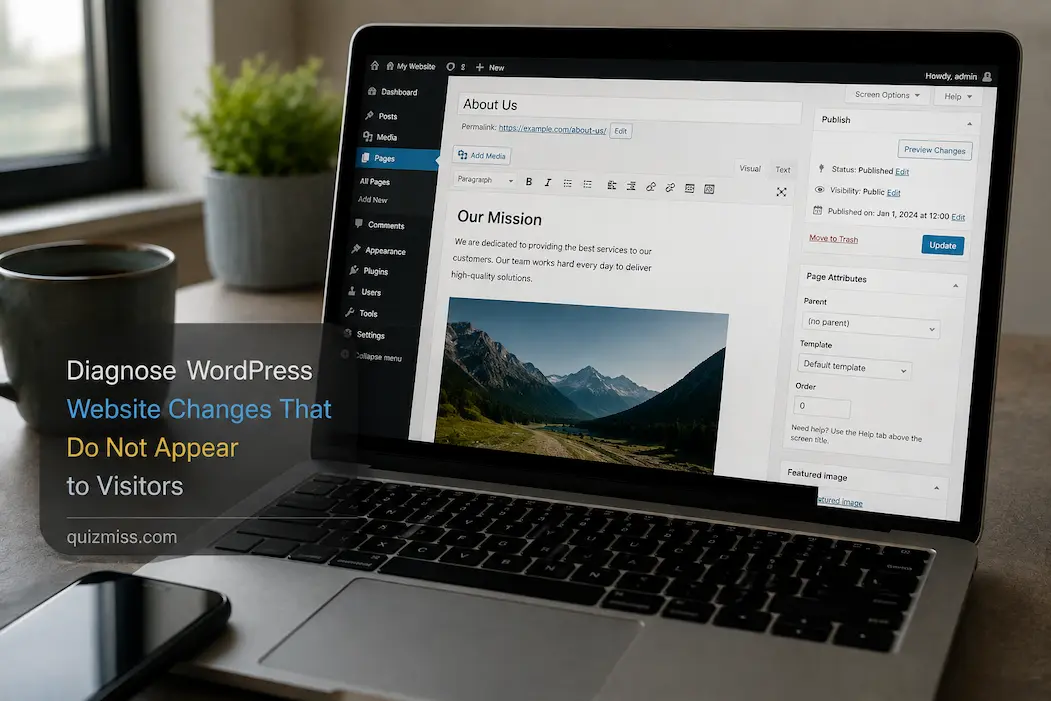
Diagnose WordPress Website Changes That Do Not Appear to Visitors

You change a WordPress page, save it, refresh the browser, and the old version is still there. Maybe you replaced an image, edited a paragraph, changed a menu item, updated the homepage, or adjusted some CSS. The change is clearly visible inside the WordPress editor, yet someone visiting the site continues to see the previous … Read more

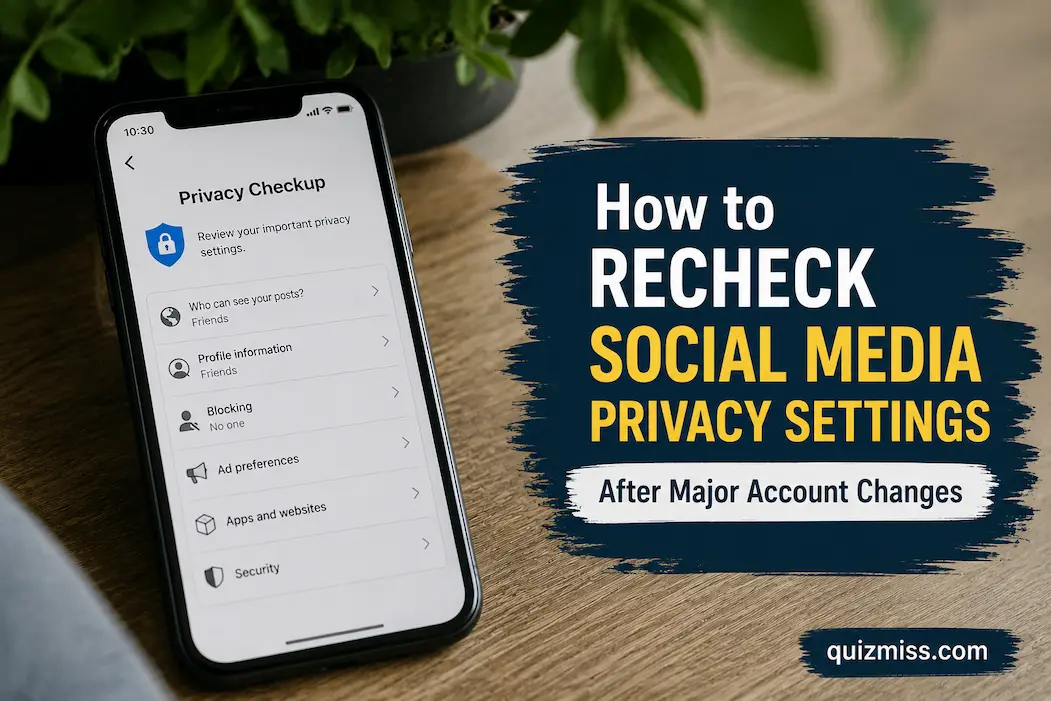
How to Recheck Social Media Privacy Settings After Major Account Changes

Changing a social media account can quietly change more than the thing you intended to change. Switching from a personal profile to a professional one, changing the account email, connecting a new application, adding another administrator, restoring a locked account, changing the phone number, or moving to a new device can all affect how the … Read more